



Bridging Knowledge Gaps with Claude
How I use Claude as a thinking partner to identify knowledge gaps and build solutions. A real example with DNS, Let's Encrypt, and home servers.
Photo by Adrien CÉSARD on Unsplash
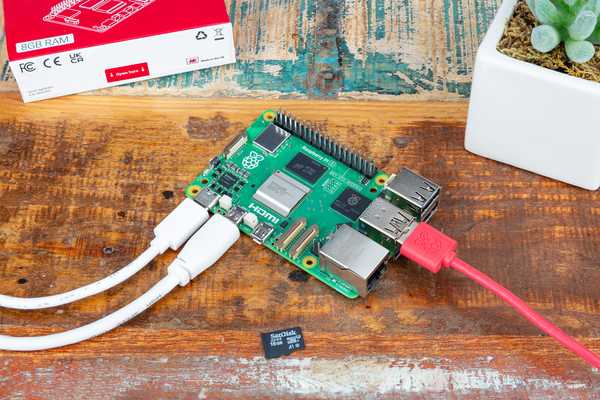
The thing that first forced my hand in setting up a home server was ads. Years ago, I just wanted the noise of ads and the incessant tracking to go away. A quick setup with a Raspberry Pi, installing the Pi-Hole software and tweaking some router settings, and the ads were gone (well, mostly). Predictably to anyone who knows me, I got sucked into tweaking everything on the server, setting up half a dozen more services, documenting everything as I went (or so I tried), and basking in the blinking lights as my ads were blocked.
Then the raspberry pi died.
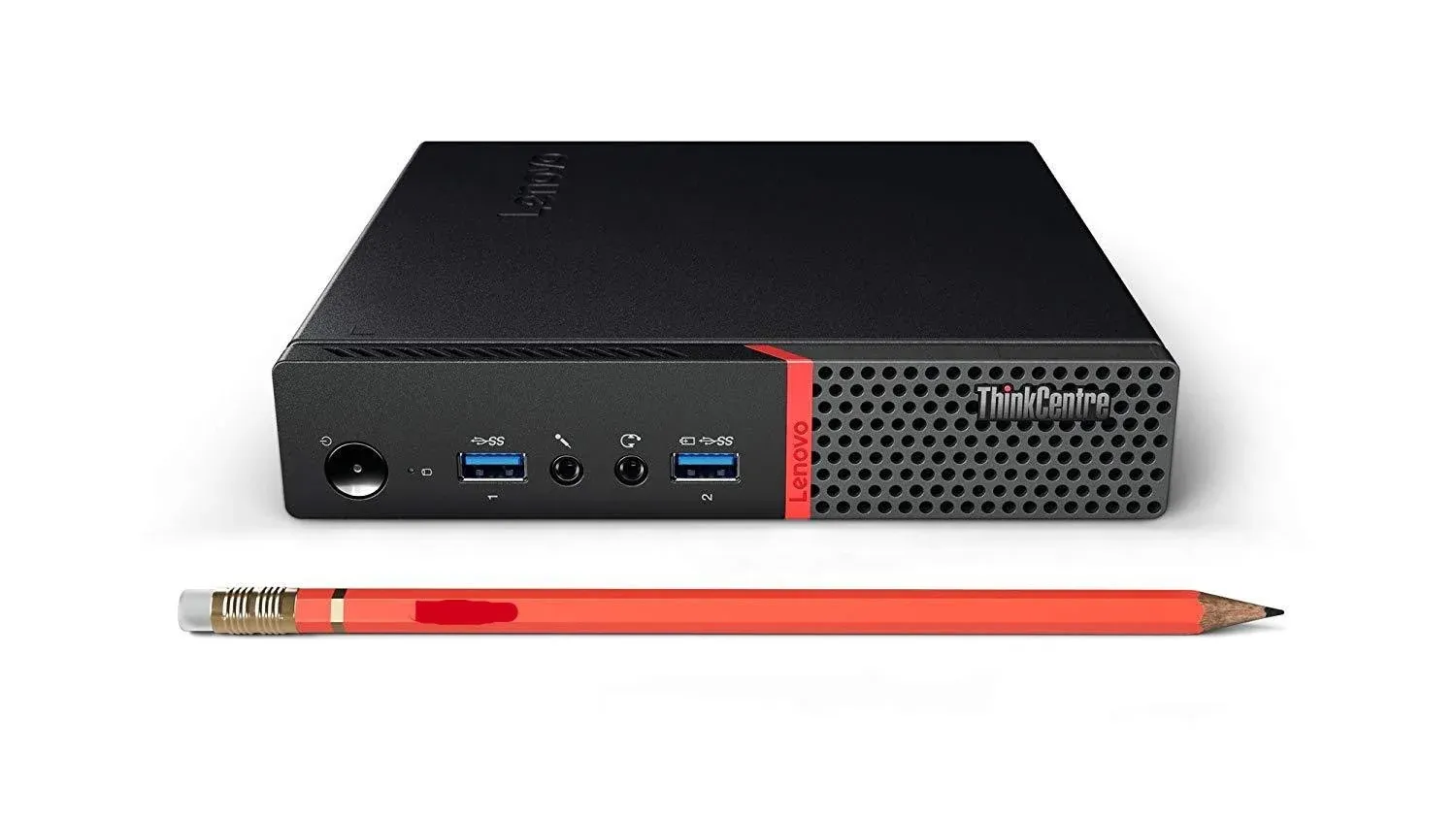
When I had to set it all up again, I got an old ThinkCentre, threw Linux on it, and really thought about how I could set up the services in an easier way that would keep things more maintainable and easier to rebuild when I inevitably wanted to get a more powerful box or this one gave up. I ended up writing one docker compose file to rule them all. I knew I wanted to set up a reverse proxy so I didn’t need to remember the ports and could just use URLs like http://192.168.0.1/pihole and http://192.168.0.1/homepage, but that still didn’t solve the issue of having to remember and type in that ugly IP address.
Being a side project, I was limited in how much time I wanted to devote to tinkering, so it just sat like that for a while. Traefik was set up as a reverse proxy, but the IP address remained. Every time I looked up information on how to set this all up, I’d find info suggesting that I should access each service at something like my-domain-name.com/pihole or pihole.my-domain-name.com, which made me think people were hosting their services in the cloud, not on a home network.
Last week, I figured it’d be good to let Claude take a crack at it. I did this for two reasons:
- I honestly didn’t understand how I’d use a custom domain name, yet physically keep my server at home and keep my services disconnected from the internet.
- Since I didn’t understand how this worked, I couldn’t implement it.
So I had Claude teach me how it all worked, explain it to me, and then pair with me as we built it together. I learned about DNS split-horizon, ACME protocol that Let’s Encrypt uses, and DNS-01 ACME Challenge. These were the missing pieces that no blog post, tutorial, or how-to had bothered to explain. All I had to do was explain to Claude what I wanted to achieve, what my current knowledge was, let it comb through my setup, and then it helped fill in the gaps in my mental model. I use Claude this way a lot, but hadn’t really been able to articulate it with a clear example until now.
I’m a fullstack dev, but mostly focus on the frontend since that’s where my passion is and I have a background in design and animation. Sometimes I know there’s a solution here and can describe in detail what I need and where my current understanding falls short or where there’s a gap, and Claude can help bridge those gaps and work WITH me to figure out a solution. When you run into an example like this, don’t just let Claude solve it for you — have it teach and guide you and see if you can write the code on your own or just pair with Claude until you see how the missing pieces fall into place.
I may do a larger post on my home server setup if there’s any interest, so let me know!